
Comparison
Meal planning apps that come with recipes, not just an importer

Short answer
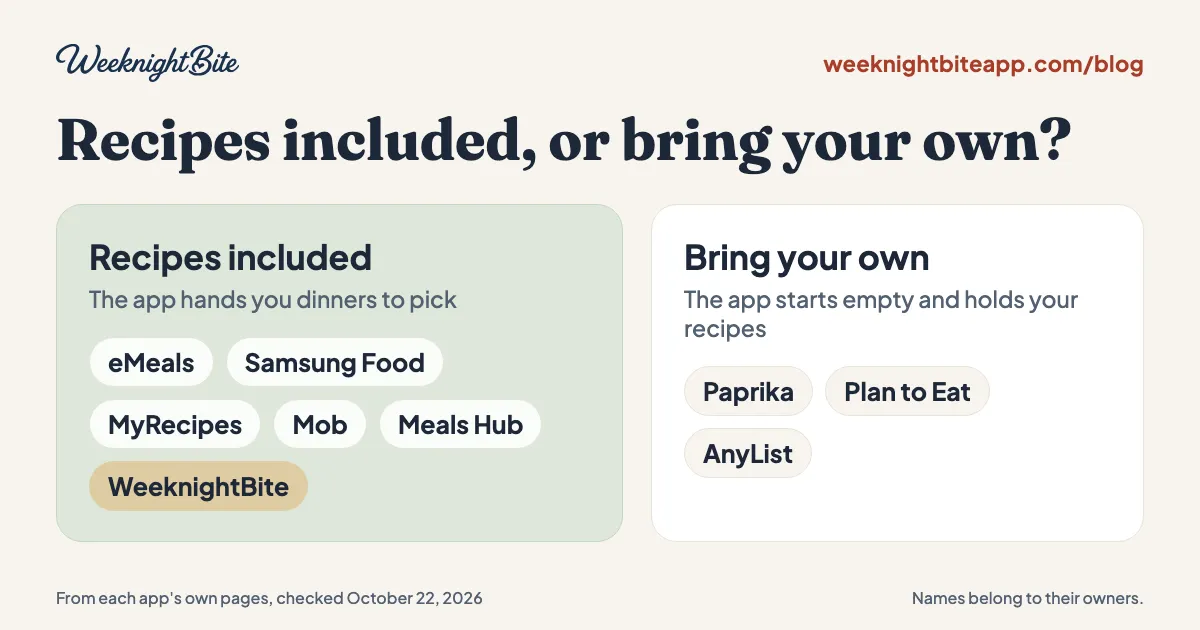
Meal planning apps with recipes included hand you dinners to pick from, so you can plan a week without collecting recipes first. eMeals, Samsung Food, MyRecipes, Mob and WeeknightBite come with a library; Paprika, Plan to Eat and AnyList are built for recipes you bring yourself. Size matters less than whether the recipes are tested and turn into one grocery list.
Many meal planning apps start empty. You download one hoping it will tell you what’s for dinner, and the first screen asks you to import your recipes. That’s the complaint we read most often from people who left Mealime: the alternatives “mostly just want you to import your own recipes.” We make WeeknightBite, which comes with recipes, so take this comparison with that in mind. Every fact about another app comes from that app’s own pages, linked at the end and checked on October 22, 2026.
What does “recipes included” mean?
It means the app has its own library of dinners you can put on your plan straight away, without saving a single recipe first. The other kind of app is a recipe manager: it keeps, organizes and plans the recipes you collect from websites, cookbooks and social media, and it starts with nothing in it.
App stores use the names loosely: a “meal planner”, a “recipe planner app” and “meal planning software” can each be either kind, so check which one you are looking at before you install.
Neither kind is better in general. If you already have 80 recipes you love in bookmarks and screenshots, a recipe manager is the right tool. We compare those in ReciMe alternatives. If the reason you want an app is that you’re tired of deciding what to cook, an empty box solves the wrong problem.
Which meal planning apps come with recipes?
Six of the apps people compare most often come with a library, and three are built around your own recipes.
| App | Recipes included? | Library size (vendor’s figure) | Price (US) | Free option |
|---|---|---|---|---|
| eMeals | Yes, as weekly meal plans | 25,000+ | $59.99 a year | 14-day trial |
| Samsung Food | Yes | 180,000+ on its Food+ page, 240,000+ on the App Store | Free; Food+ $59.99 a year | Free tier |
| MyRecipes | Yes | 100,000+ | Free; MyRecipes+ $39.99 a year | Free tier |
| Mob | Yes | 3,000+ | $59.99 a year or $9.99 a month | 7-day trial |
| Meals Hub | Yes, Mealime’s recipes “plus thousands more” | Not stated | Free | Free, inside Albertsons Companies store apps |
| WeeknightBite | Yes, weeknight dinners | 300+, each cooked and tested by a person | Free; Savvy $7.99 a month or $59.99 a year | Free tier, 14-day trial of Savvy |
| Paprika | No, you bring your own | None | Free; Premium about $14.99 a year, or $74.99 once for five years | Free up to 50 recipes on one device |
| Plan to Eat | No, you bring your own | None | $5.95 a month or $49 a year on the web | 14-day trial, no card |
| AnyList | No, you bring your own | None | Free; Complete $9.99 a year, $14.99 for a household | Free tier, 5 web imports |
Two apps sit in between. Cozi has a recipe box for your own recipes plus “Cozi Picks” from its partners, and Prepear lets you save your own recipes free while its Gold plan ($119.99 a year) unlocks creators’ meal plans. Eat This Much generates meal plans for you around calorie and macro targets rather than offering a library to browse.
Cookroom, from Mealime’s original founders, hasn’t said whether it will come with recipes or let you bring your own; as of November 10, 2026 it is still a waitlist (what we know so far).
What do you get with each app that includes recipes?
One paragraph each, from the vendors’ own pages.
- eMeals hands you weekly meal plans drawn from 25,000+ recipes. It suits people who want the week picked for them from a big menu. It costs $59.99 a year after a 14-day trial; there is no free tier.
- Samsung Food has the largest library here, 180,000+ recipes, and a free tier. It suits people who like to browse and search. A library that size is a search engine, so you still do the choosing.
- MyRecipes lists 100,000+ recipes with a free tier, and MyRecipes+ at $39.99 a year.
- Mob has 3,000+ recipes for $59.99 a year or $9.99 a month, with a 7-day trial and no free tier.
- Meals Hub carries Mealime’s recipes “plus thousands more”, free, inside Albertsons Companies store apps. How to open Meals Hub explains where it lives.
- WeeknightBite has 300+ weeknight dinners, each cooked and tested by a person, with a free tier. It is the smallest library on this page by a wide margin; the next section says why that can be the point.
Does a bigger recipe library mean a better app?
No. A library of 100,000 recipes is a search engine; a library of a few hundred is a menu. What you want at 5 PM on a Tuesday is a short list of dinners that will work tonight, not the whole internet again.
Three things matter more than the count:
- Who made and tested the recipes. A library pulled from public recipe sites has the same hit-and-miss quality as the web. Look for a vendor that says how its recipes are made and tested. Every WeeknightBite recipe is cooked and tested by a person before it goes in the app.
- Whether the recipes are written for a weeknight. A big library is mostly weekend projects, desserts and sides. Check the dinners: their total time, how many pans they use, and whether they share ingredients across the week.
- Whether the recipes turn into one grocery list. The point of a library is that the app knows every ingredient and amount, so it can add up a week of dinners for you. If you still have to copy ingredients by hand, the library is only half the job.
Can I still add my own recipes to an app with a library?
Usually yes, but check how. Samsung Food, Cozi and Prepear let you save recipes from websites alongside theirs. In WeeknightBite you can save a recipe from a link or text as a basic draft for free; turning it into a step-by-step recipe that joins the grocery list is part of the paid Savvy plan, which has a 14-day free trial.
The best setup for most households is both: a library you trust for the nights you don’t want to think, and your family’s favorites alongside it. That’s also the idea behind a go-to meals list.
What does WeeknightBite’s library look like?
It’s 300+ weeknight dinners as of November 10, 2026, each cooked and tested by a person before it goes in the app. You can browse a selection on the web without installing anything. A few examples with their total times:
- Mild beef taco bowls with rice and sweet corn, 25 minutes
- Spiced chicken shawarma with turmeric couscous, 26 minutes
- Garlic butter shrimp with sun-dried tomato couscous, 20 minutes
- Creamy white bean skillet with spinach, 22 minutes
Every recipe cooks two ways: Fastest, for the quickest route to the table, or Dish Saver, for the fewest pots and pans to wash. You pick your dinners for the week, or choose a whole Suggested Week, and the app builds one grocery list with the quantities added up across recipes and sorted by aisle. Here’s how that grocery list works.
Where others do better: eMeals, Samsung Food and MyRecipes have far bigger libraries if you want endless choice, and WeeknightBite has no web app, while most apps on this page do.
How do I choose?
Start with the question the table answers: do you want the app to hand you dinners, or to hold the dinners you already have?
- You want dinners handed to you: look at the “Yes” rows, then check who tests the recipes and whether the grocery list adds up quantities. Try the free tier or trial with a real week before paying.
- You already have your recipes: Paprika if you want a free start, or one payment that lasts several years, Plan to Eat if you plan on a calendar, AnyList if the shared shopping list matters most.
- You’re coming from Mealime: Meals Hub keeps Mealime’s recipes inside Albertsons Companies store apps. Our Mealime alternatives comparison covers the switch in more detail.
For the checks that apply to any app, including yearly price, cancelling and household sharing, see how to choose a meal planning app. If you’re choosing for a whole household, our best meal planning apps for families compares them on sharing and cost per household, and the best meal planning apps puts nine of them side by side.
Frequently asked questions
Which meal planning app has the most recipes?
Samsung Food has the largest library of the apps we checked: 180,000+ recipes on its Food+ page and over 240,000 public recipes on its App Store listing. MyRecipes lists 100,000+ and eMeals 25,000+.
Is there a free meal planning app with recipes included?
Yes. Samsung Food, MyRecipes and WeeknightBite all have a free tier with recipes, and Meals Hub is free inside Albertsons Companies store apps. Each limits some features to its paid plan, so check what the free tier covers.
What’s the difference between a meal planner and a recipe manager?
A meal planner with recipes included gives you dinners to put on your week. A recipe manager such as Paprika, Plan to Eat or AnyList stores and plans the recipes you collect yourself, and starts empty.
Do meal planning apps with recipes make a grocery list?
Most do. eMeals, Samsung Food, Mob and WeeknightBite build a shopping list from the recipes you plan. Whether the same ingredient is added up across recipes differs by app, so check that before you rely on it for a whole week.
Sources, checked October 22, 2026: eMeals, Samsung Food+ and its App Store listing, MyRecipes on the App Store, Mob and its App Store listing, Mealime’s closing page on Meals Hub, Cookroom, Paprika with its App Store and Google Play listings, Plan to Eat pricing, AnyList, Cozi, Prepear Gold and Eat This Much. Paprika’s details were re-checked on November 10, 2026, from its news of Paprika 4 and Premium page: it changed how it is sold on November 6. Vendors change prices and features, so check before you buy.