
Comparison
The best meal planning apps in 2026: nine compared, and who each one is for

Short answer
The best meal planning app depends on one question: do you want dinners handed to you, or a place for the recipes you already have? eMeals, Samsung Food, Meals Hub and WeeknightBite come with recipes. Plan to Eat, Paprika and AnyList hold your own. Cozi suits families who run on a shared calendar, and Eat This Much plans around calorie targets.
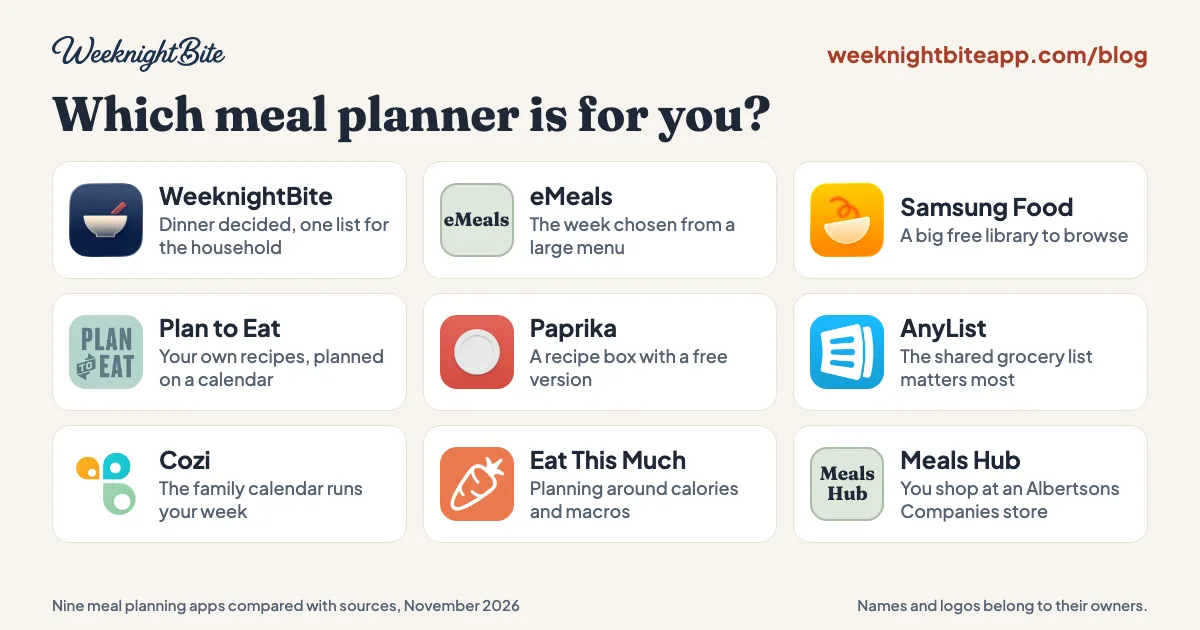
There is no single best meal planning app, and a list that names one is usually selling it. This guide compares nine meal planners, the apps and web tools that plan your week of dinners and build the grocery list, for anyone choosing one for themselves or a household. We make WeeknightBite, one of the nine apps below, so weigh what we say about it with that in mind. To keep this honest, there is no ranking here: each app gets the kind of household it suits, where it is strong and where it falls short, ours included. Every fact about another app comes from its own pages, linked at the end and checked on November 10, 2026 unless a line says otherwise.
Which meal planning app should I pick?
Start with what you want the app to do for you, then read that app’s section below.
- You want the week’s dinners picked for you: eMeals, or WeeknightBite.
- You want a big free library to browse: Samsung Food.
- You already have your recipes and plan on a calendar: Plan to Eat.
- You want a recipe box with a free version: Paprika.
- The shared grocery list matters most: AnyList.
- Your family runs on one shared calendar: Cozi.
- You plan around calories and macros: Eat This Much.
- You shop at an Albertsons Companies store: Meals Hub.
The nine apps side by side
| App | Recipes included | Free to keep using | Paid plan, per year (US) | Works on |
|---|---|---|---|---|
| eMeals | ✅ Weekly plans | ❌ Trial only | $59.99 | iPhone, Android, web |
 Samsung Food | ✅ 180,000+ | ✅ Free tier | Food+ $59.99 | iPhone, Android, web |
| Meals Hub | ✅ Mealime’s recipes and more | ✅ All of it | No paid plan | Albertsons Companies store apps and websites |
 WeeknightBite | ✅ 300+ tested dinners | ✅ Free tier | Savvy $59.99 | iPhone, iPad, Android |
 Plan to Eat | ❌ Bring your own | ❌ Trial only | $49 | iPhone, Android, web |
 Paprika | ❌ Bring your own | ✅ Up to 50 recipes | Premium about $14.99 | iPhone, iPad, Mac, Android, Windows |
 AnyList | ❌ Bring your own | ✅ Free tier | Complete $9.99, household $14.99 | iPhone, Android, web |
 Cozi | ✅ A library, plus your own | ✅ Free tier | Gold $39, Max $79 | iPhone, Android, web |
 Eat This Much | ✅ Generates the meals | ✅ Free tier | Premium $60 ($5 a month, billed yearly) | iPhone, Android, web |
✅ means yes and ❌ means no; neither is a verdict. Icons and screenshots belong to their owners and are shown only to identify each app; eMeals and Meals Hub are named without them. An app without recipes is the right one if you already have yours. eMeals’ price is from October 22, 2026. Monthly prices and what each free tier covers are in the sections below.
eMeals: best if you want the week chosen from a large menu
eMeals sends you weekly dinner plans and builds the shopping list from the meals you choose. Its own line is “We plan, they shop, you cook.”
- Strong: the deciding is done for you, from a library its site put at 25,000+ recipes when we checked in October.
- Falls short: there is no free tier after the 14-day trial, and its site now shows the price only after a sign-up quiz, so the $59.99 a year in the table is from October 22, 2026.
Samsung Food: best free library to browse
Samsung Food is a recipe and meal-planning app with a shopping list and one of the largest recipe libraries anywhere: 180,000+ on its Food+ page.
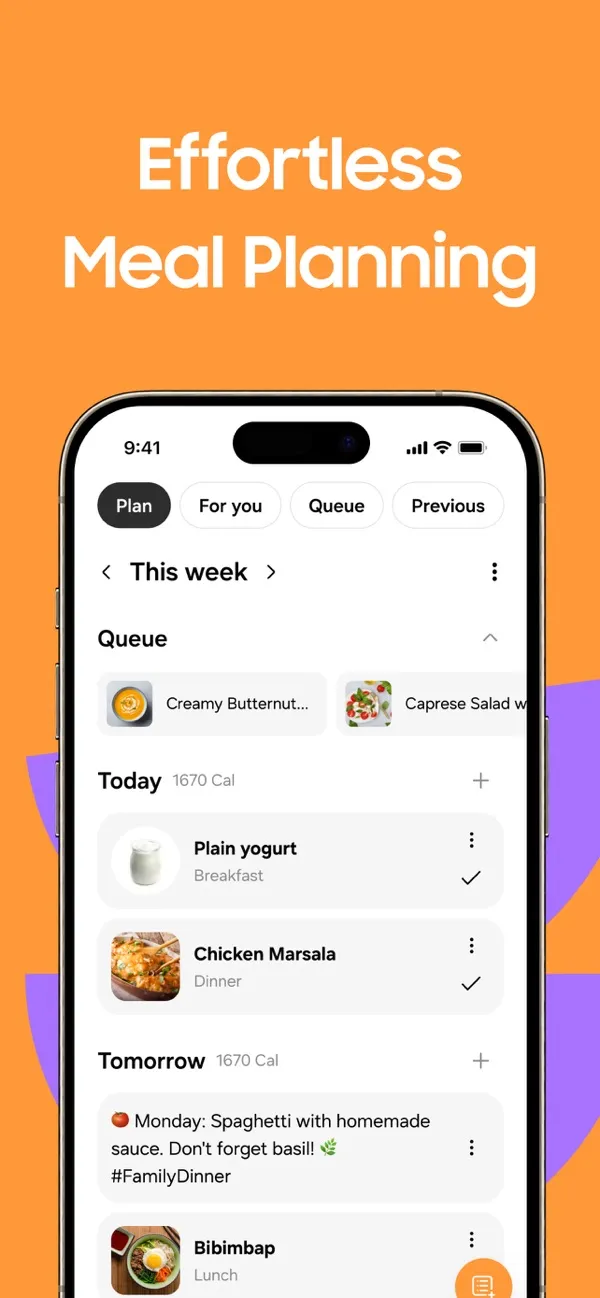
From Samsung Food’s App Store listing, November 10, 2026.
- Strong: a free tier, a huge library, and you can save recipes from other sites alongside it.
- Falls short: a library that size is closer to a search engine than a menu, so you still do the choosing. The paid plan, Food+, is $59.99 a year or $6.99 a month, with the first 7 days free.
Meals Hub: best if you shop at an Albertsons Companies store
Meals Hub is the free recipe and meal-planning section inside the store apps of Albertsons, Safeway, Vons, Jewel-Osco and their sister stores. It took over Mealime’s recipes when Mealime shut down in October 2026.
- Strong: free, with Mealime’s whole catalog and more, and Mealime says you can use it without shopping at one of those stores.
- Falls short: it lives inside a grocery store’s app and is not an app of its own. What Meals Hub is and how to open it has the steps.
WeeknightBite: best if you want dinner decided and one list for the household
This is ours. It comes with 300+ weeknight dinners, each cooked and tested by a person before it goes in the app. You pick dinners for the week or choose a whole Suggested Week, and it builds one grocery list with quantities added up across recipes.
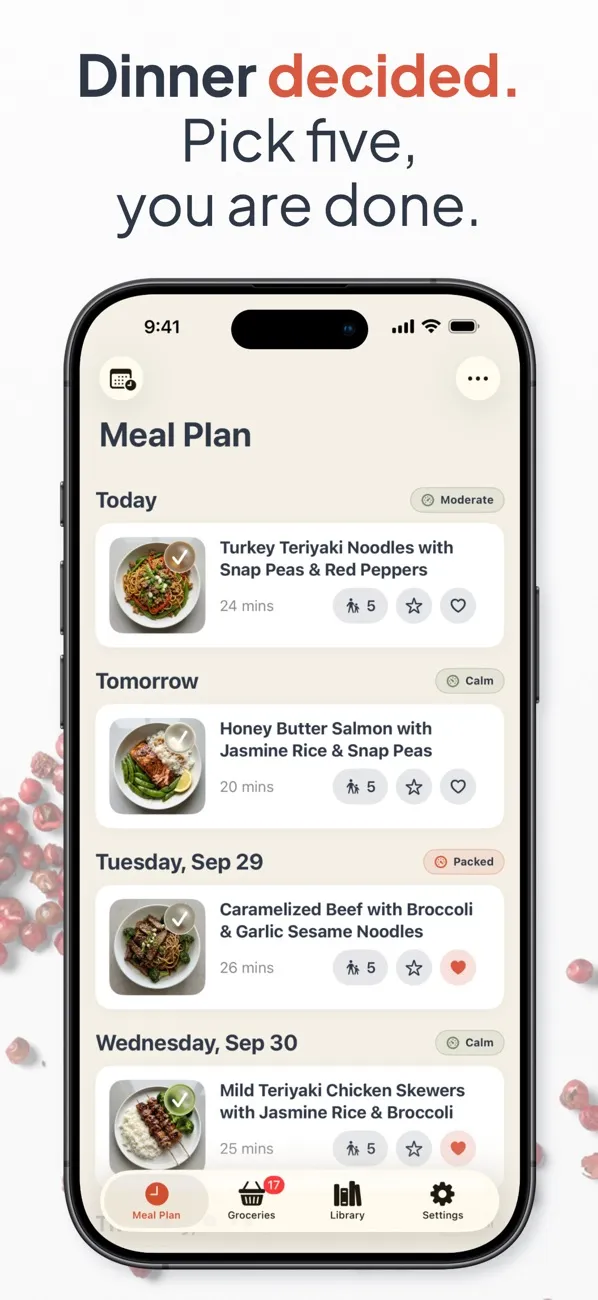
From WeeknightBite’s App Store listing, November 10, 2026.
- Strong: recipes included, every recipe cooks two ways (fastest, or the fewest dishes to wash), and the household shares one plan and one grocery list for free, on iPhone and Android.
- Falls short: it runs on phones and tablets only, with no web version. The library is a few hundred dinners by design, so if you want thousands to browse, eMeals and Samsung Food have them. Savvy, the paid plan, is priced with eMeals and Samsung Food+, above Plan to Eat and AnyList.
The free tier covers the recipe library apart from the Signature dinners, the weekly plan, the grocery list and household sharing. Savvy is $7.99 a month or $59.99 a year in the US, with a 14-day free trial, and adds smart recipe import, Chaos Calendar for busy nights and the Signature dinners. How the grocery list is built walks through the part we care most about.
Plan to Eat: best if you already have your recipes and plan on a calendar
Plan to Eat is a planner for recipes you collect yourself. You drag them onto a calendar and it builds the shopping list from what you planned.
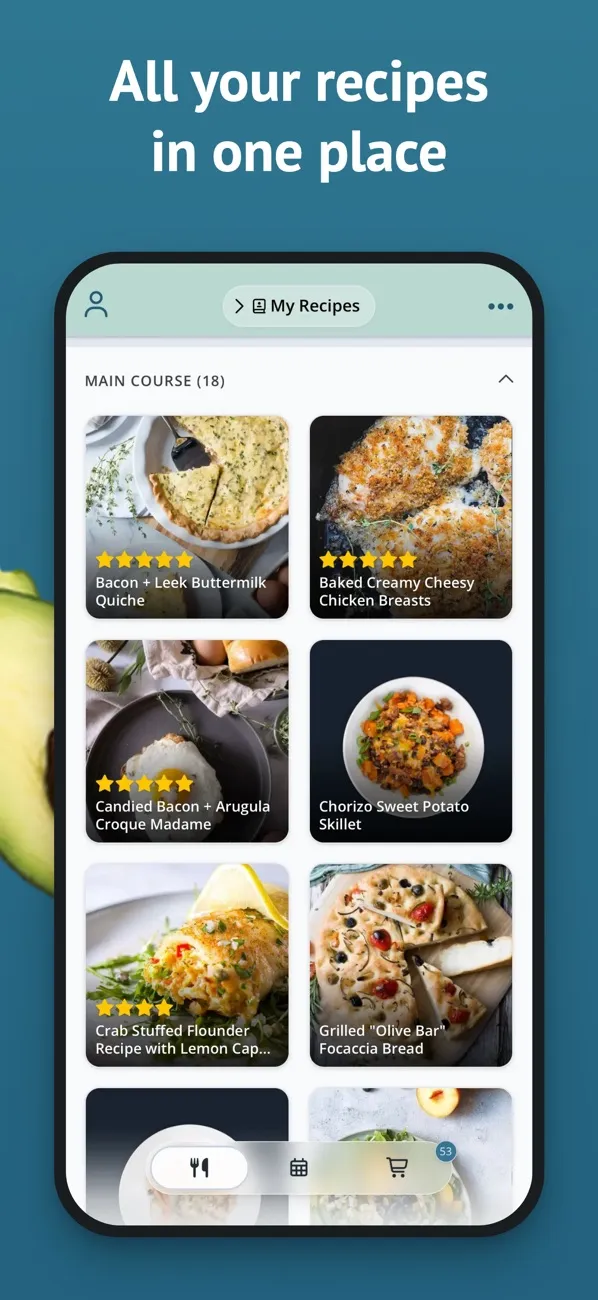
From Plan to Eat’s App Store listing, November 10, 2026.
- Strong: it runs on the web as well as phones, one subscription is shared with your household, and the 14-day trial needs no card.
- Falls short: it comes with no recipes, and there is no free plan after the trial. It is $5.95 a month or $49 a year.
Paprika: best recipe box with a free version
Paprika is a recipe manager with grocery lists and a meal planner. It changed how it is sold on November 6, 2026: Paprika 4 is free to download on every platform, where earlier versions were bought once per device.
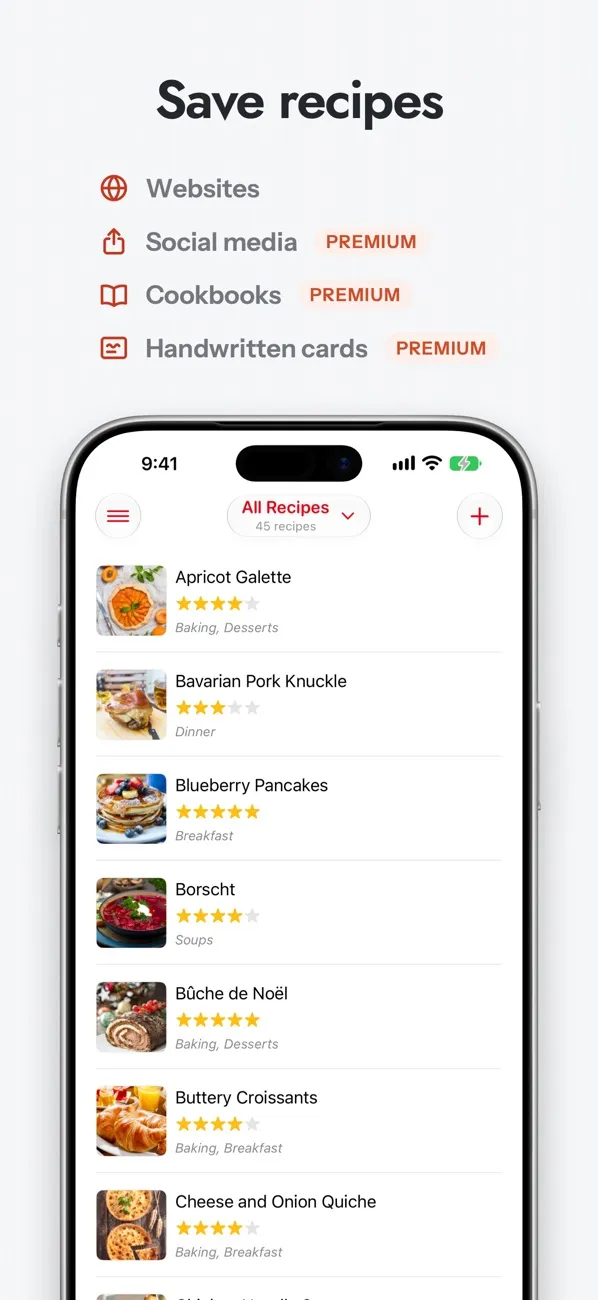
From Paprika’s App Store listing, November 10, 2026.
- Strong: the free version keeps up to 50 recipes on one device, and people who bought an earlier version get the standard Paprika 4 as a free upgrade. Premium can be bought as one payment for three, five or seven years that does not renew on its own.
- Falls short: no recipes included. Unlimited recipes, syncing between devices, and saving from TikTok, Instagram, Facebook and YouTube all need Premium. Its checkout showed Premium at about $14.99 a year before tax, or $74.99 for five years, on November 10, 2026.
If you read an older comparison that calls Paprika “a one-time $4.99”, it was written before this change.
AnyList: best if the shared grocery list matters most
AnyList is a grocery list app that also holds recipes and a meal-plan calendar. Lists update on everyone’s phone as items are added and ticked off.
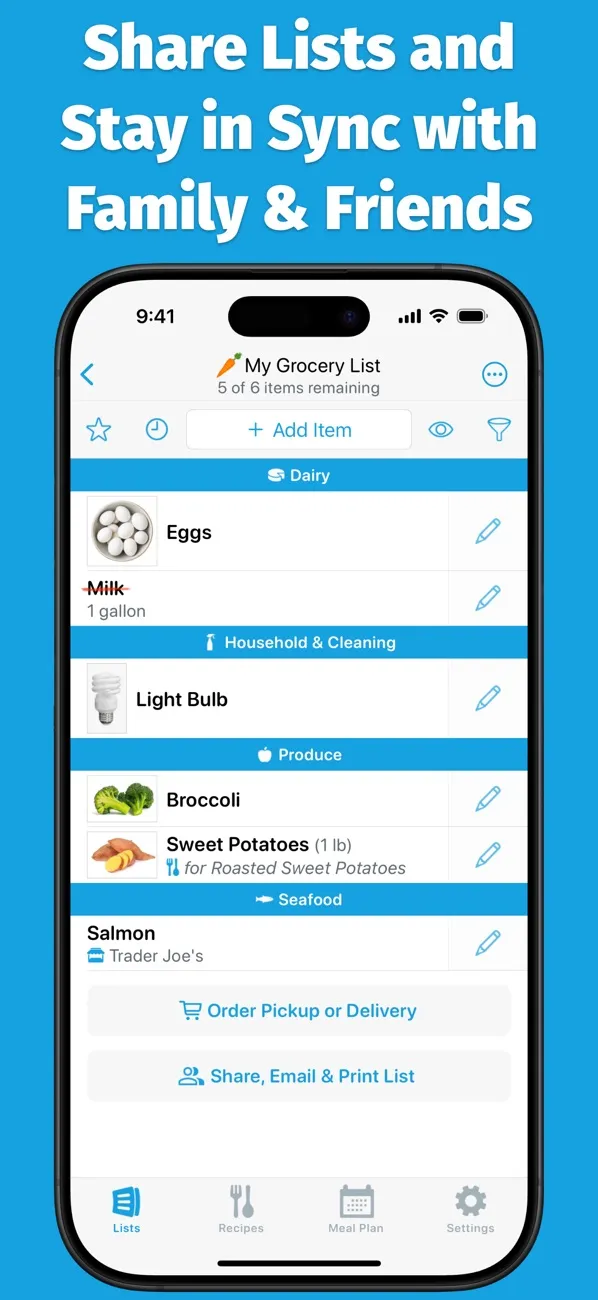
From AnyList’s App Store listing, November 10, 2026.
- Strong: Complete is $9.99 a year for one person and $14.99 for a household, the cheapest yearly prices here, and the basic shared list is free.
- Falls short: no recipes included, and the free tier stops at 5 recipe imports from the web. Its comparison page lists which meal-planning features need Complete.
Cozi: best if the family calendar runs your week
Cozi is a family organizer: a shared calendar, shared shopping and to-do lists, and recipes, on every phone in the house.
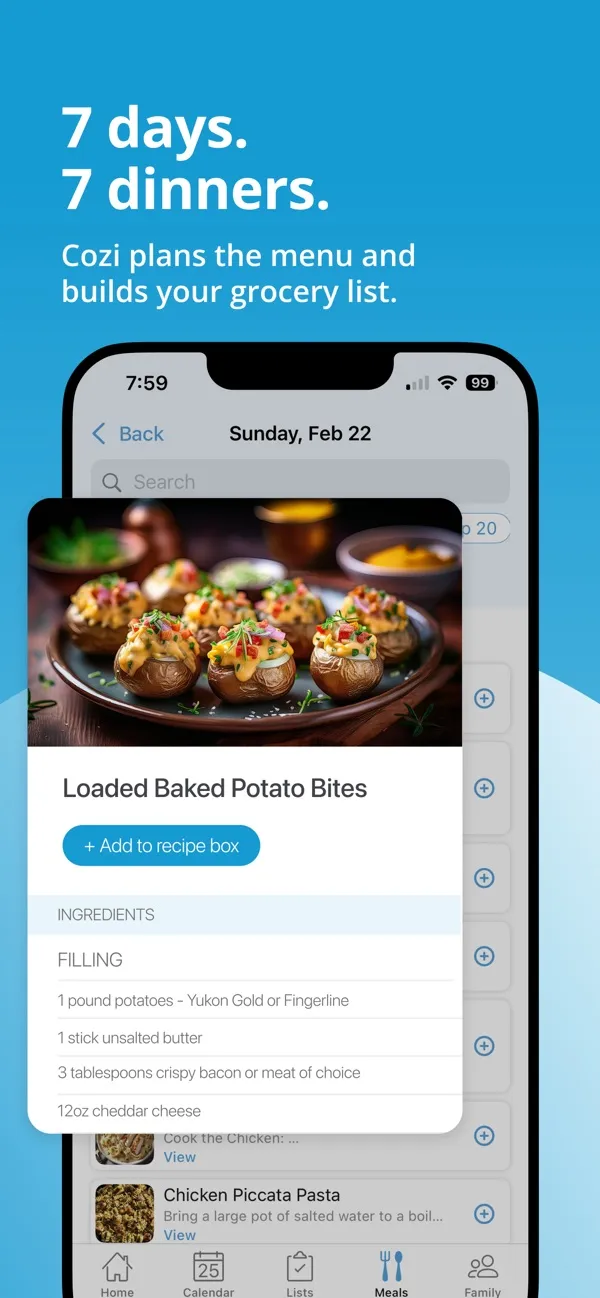
From Cozi’s App Store listing, November 10, 2026.
- Strong: dinner sits on the same calendar as practices and appointments, the free version covers every family member, and one $39 Gold upgrade covers everyone.
- Falls short: it is an organizer first and a meal planner second. The meal plans built for you are part of Max, at $79 a year.
Eat This Much: best if you plan around calories and macros
Eat This Much generates meals to fit a calorie target, a diet and a budget, and tracks what you eat.
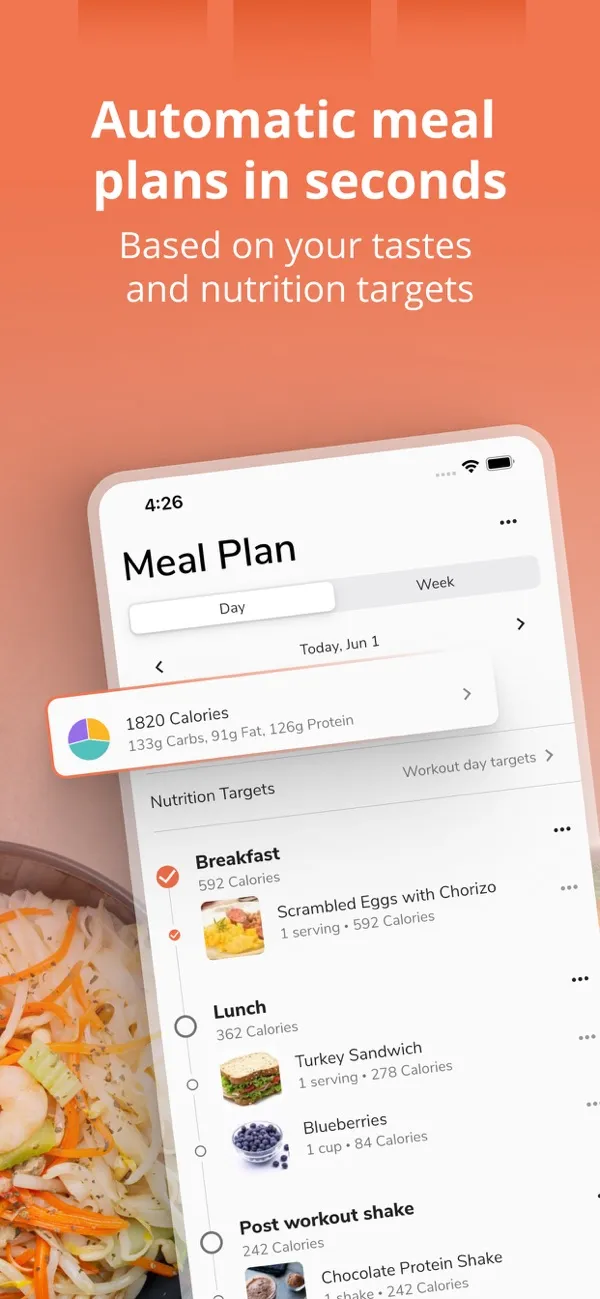
From Eat This Much’s App Store listing, November 10, 2026.
- Strong: the free version generates a day of meals at a time, and nothing here handles nutrition targets as directly.
- Falls short: planning a whole week at once and the automatic grocery list are part of Premium, which is $5 a month billed yearly.
Which meal planning app is best for families, grocery lists or healthy eating?
The same nine apps, sorted by the four questions people ask most.
For families
One the whole household can share: one plan, one grocery list and one price for everyone. Cozi suits families who run on a shared calendar, AnyList has the cheapest household plan, and WeeknightBite shares the plan, recipes and list for free. Meal planning apps for families compares them on sharing and cost per household, including the free options.
For meal planning and a grocery list
If the list matters most, AnyList: it updates on everyone’s phone as items are added and ticked off. If you want the dinners chosen and the list built for you, eMeals and WeeknightBite do both, and WeeknightBite adds up quantities across the week’s recipes. How a meal planning app builds your grocery list shows what to look for.
For healthy eating
If healthy means hitting calorie or macro targets, Eat This Much: it generates meals to fit a calorie target, a diet and a budget. If it means cooking real dinners at home instead of takeout, any app here that comes with recipes does that job; look for one that lets you filter out what you don’t eat.
On a computer: meal planning software
Six of the nine work on a computer: eMeals, Samsung Food, Plan to Eat, AnyList, Cozi and Eat This Much run in a web browser, and Paprika has apps for Mac and Windows. WeeknightBite and Meals Hub run on phones and tablets (Meals Hub also on its stores’ websites).
How did we compare these apps?
From each app’s own website, pricing page and store listing, on the date given. We compared what a household needs to know before installing: whether dinners come with the app, what it costs for a year, what you can do without paying, and where it runs. We did not use every app for weeks, so this is a comparison of what each app says it does and costs, not a hands-on review. Where a vendor’s pages did not answer a question, we left it out.
Three narrower comparisons go deeper on one question each: meal planning apps for families, which looks at sharing and cost per household; apps that come with recipes; and the six checks to do before you pay for any of them.
Frequently asked questions
What is the best free meal planning app?
It depends on what you want free. Samsung Food and WeeknightBite have free tiers that include recipes, Meals Hub is free inside Albertsons Companies store apps, AnyList and Cozi have free shared lists, and Paprika is free up to 50 recipes on one device.
Which meal planning apps come with recipes?
eMeals, Samsung Food, Meals Hub and WeeknightBite come with a recipe library, and Cozi has one alongside your own recipes. Plan to Eat, Paprika and AnyList are built for recipes you save yourself.
Do meal planning apps make a grocery list?
All nine build a shopping list from what you plan. They differ in how much is automatic and in what is free: in Eat This Much the automatic grocery list is a Premium feature, and in Paprika more than one list needs Premium.
How much does a meal planning app cost?
From free to about $60 a year. AnyList’s household plan is $14.99 a year, Paprika Premium about $14.99, Cozi Gold $39, Plan to Eat $49, and eMeals, Samsung Food+, Eat This Much Premium and WeeknightBite Savvy about $60 a year in the US.
Is Mealime still available?
No. Mealime closed on October 21, 2026, and points its users to Meals Hub. Our Mealime alternatives comparison covers what to switch to.
Sources, checked November 10, 2026: eMeals (trial; its price and library size are from October 22, 2026), Samsung Food+, Mealime’s closing page on Meals Hub, Plan to Eat pricing, Paprika with its news of Paprika 4, Premium page and App Store listing, AnyList’s feature comparison, Cozi’s plans and Eat This Much pricing. Vendors change prices and features, so check before you buy.